Linear
Linear is a precision measurement tool for designers and developers who need to verify spacing, alignment, and layout consistency. Whether you're conducting design QA, reviewing implementations, or checking your own work, Linear helps you measure with confidence. Pair it with solid front end performance techniques for a complete implementation workflow.
What Linear does
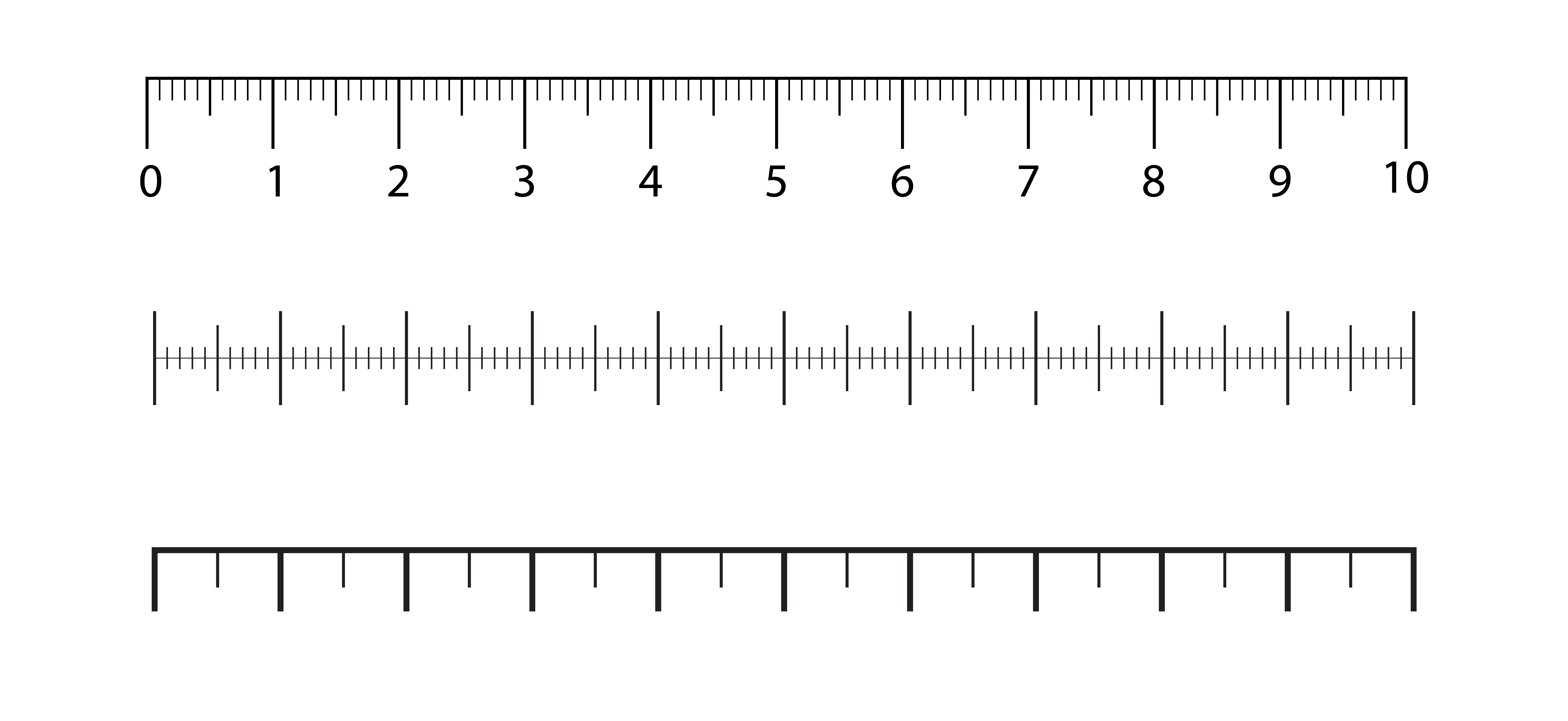
Precise measurements: Measure pixel distances between any two points on screen. Verify that padding, margins, and spacing match your specifications.
Grid overlay: Display customizable grid overlays to check alignment. Verify elements align to your baseline grid or spacing system.
Ruler guides: Place horizontal and vertical guides anywhere on screen. Check alignment across distant elements.
Comparison mode: Compare two screens or states side by side. Identify differences in spacing and alignment between designs and implementations.
Screenshot capture: Capture annotated screenshots with measurements visible. Document findings for developers or design reviews.
Linear works on macOS, Windows, and as a browser extension. Measurements work on any screen content—websites, applications, designs, or prototypes.
Common use cases
Design QA
Verify that implementations match design specifications:
- Check padding and margins against design tokens
- Verify element sizes
- Confirm alignment to grid
- Document discrepancies with screenshots
Self-review
Check your own work before handoff:
- Verify consistency in spacing
- Check alignment across components
- Ensure adherence to design system specifications
Design review
Evaluate designs against systems and standards:
- Measure against established spacing scales
- Check for consistency across screens
- Verify accessibility touch targets (44px minimum)
Development handoff
Communicate specifications clearly:
- Annotate designs with precise measurements
- Document spacing tokens in use
- Highlight alignment relationships

Key features
Measurement tool
- Click and drag to measure any distance
- Displays value in pixels (configurable units)
- Snapping to edges for precision
- Multiple measurements visible simultaneously
Grid overlay
- Customizable grid size (8px, 12px, 16px, etc.)
- Adjustable opacity
- Toggle visibility with keyboard shortcut
- Baseline grid option for typography
Guides
- Place unlimited horizontal and vertical guides
- Snap elements to guides
- Color-coded guides for organization
- Clear all or selective removal
Annotations
- Add text annotations to measurements
- Export annotated screenshots
- Copy measurements to clipboard
- Integration with common design tools
Getting started
Ready to start using Linear? See the Getting Started guide for installation and first steps.
Linear is available as a desktop application for macOS and Windows, and as a browser extension for Chrome and Firefox. The desktop app can measure any screen content; the browser extension works within web pages.
Linear has a free tier with core measurement functionality. Advanced features like grid overlays, annotation export, and team features are available in paid plans.
Yes. Linear correctly handles pixel density differences and can display measurements in CSS pixels, physical pixels, or points depending on your preference.
Linear can measure anything on your screen, including Figma, Sketch, or any other design tool. For Figma specifically, the browser extension provides additional integration.
Email us at hello@theuxshop.com with the subject 'Linear feedback.' Include steps to reproduce any issues. We actively incorporate user feedback into development.